
Start with the Mac you actually have
There are separate downloads for Apple Silicon and Intel Macs. Choose Apple menu → About This Mac: a line labelled Chip identifies an Apple Silicon Mac; a line labelled Processor identifies an Intel model. Match that information to the Mac download. The app requires macOS 13 or newer.
Our hands-on testing used macOS 15.7.8. The Intel build was tested through Rosetta on Apple Silicon; we have not claimed a physical Intel-machine test or hands-on testing on every older macOS version. Both release archives are signed and Apple-notarized. Read the compatibility notes before buying, especially if you keep an older computer in your sewing room.
What you can design
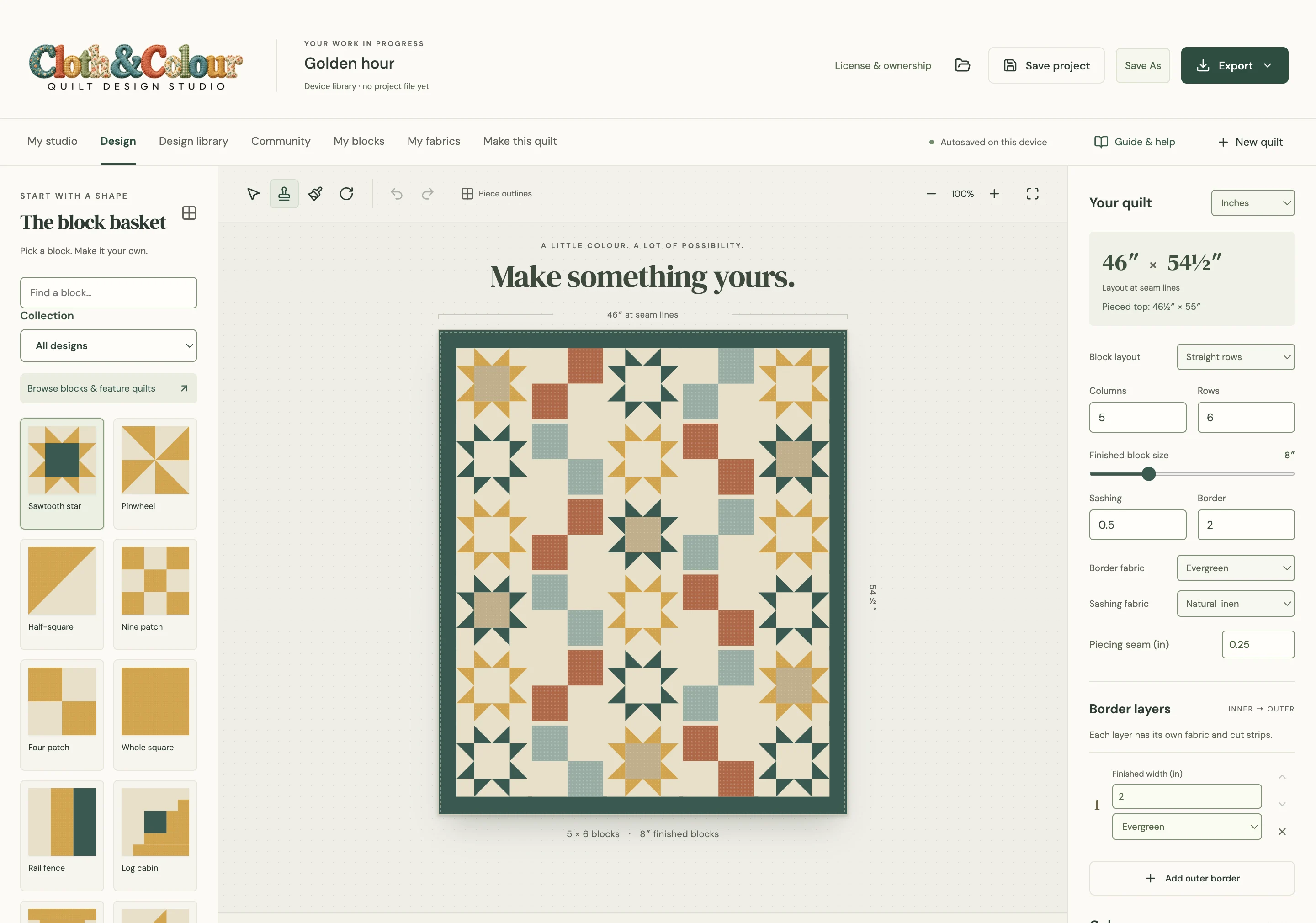
Start with one of 100 original blocks or 12 larger feature quilts, or make a block of your own. A small repeating block can become a whole-quilt pattern when you turn, mirror and recolour it. Larger original designs include woodland, floral and geometric subjects, so the starting point does not have to be a traditional sampler.
For custom work, choose a grid-based block, draw straight pieced shapes or work with raw-edge appliqué. These are different construction methods. The app does not turn any arbitrary drawing into an automatically sewable pattern, and it is not longarm machine-control software. Check the construction notes for the design you choose.
Try the fabric you own
Import a photograph rather than choosing only a flat colour. Crop it so the fabric fills the frame, remove the table and your hand, then set its repeat or physical scale. A large print should look large in a small patch. Screen colour is an approximation; place the real fabrics together before making the final choice.
Choose a swatch and click the individual piece you want to paint. Editing the swatch itself changes every piece that uses it; add a separate fabric when you want an independent colour. Our fabric photography guide explains lighting, cropping and scale.
Take a plan to the sewing table
A digital quilt picture is useful for choosing colours. A making book serves another purpose: piece identification, cut quantities, placement, construction and print templates where the design needs them. See the actual sample making book before deciding whether the output suits your process.
Print actual-size templates at 100% or Actual size and measure the scale check. Keep finished sizes separate from cutting sizes, and sew a sample block before cutting the full quilt. Fabric waste, directional prints, shrinkage and your own cutting method can affect what you need.
One purchase, with clear limits
The launch price is US$79 plus applicable tax; the regular price is US$99. All core design tools and updates within the purchased major version are included. Later major upgrades are optional. The personal license covers the original purchaser’s own computers; Windows is not released yet, and no Windows date is promised.
You do not need a Community account to design, save local projects or print. Online sharing and account features need internet access. See what works offline, the license terms and the 14-day refund policy.
Compare the workflow before the feature count
Installed software can suit a Mac that sits near a sewing machine without reliable Wi-Fi. A browser-based planner can be convenient when you move between devices. Compare the supported platform, actual exported pages, fabric controls and saving model rather than assuming every tool does the same job. Our software buying checklist includes established alternatives and links to their makers.