
What works offline—and what needs a connection
| Task | Connection needed? |
|---|---|
| Arrange blocks, paint pieces, rotate and mirror | No, after the app is installed and licensed |
| Use local fabric photos and custom blocks | No |
| Save and reopen local project files | No |
| Generate making books, templates and exports | No; a network-only printer may need its own connection |
| Buy, download the app or recover an online purchase | Yes |
| Browse, download or contribute to Community | Yes |
| Google or email/password Community sign-in | Yes |
Before a retreat: a five-minute packing check
- Install the correct Mac build and import your license while you still have a connection.
- Save each quilt as a portable
.quiltstudioproject file. Open it again to check that you saved the design you meant to take. - Keep the original license file and a separate library backup somewhere you control. A file stored only in a cloud placeholder may not be available offline; download the actual file.
- Import any fabric photos you want to use. Check their crop and scale before the last-minute packing rush.
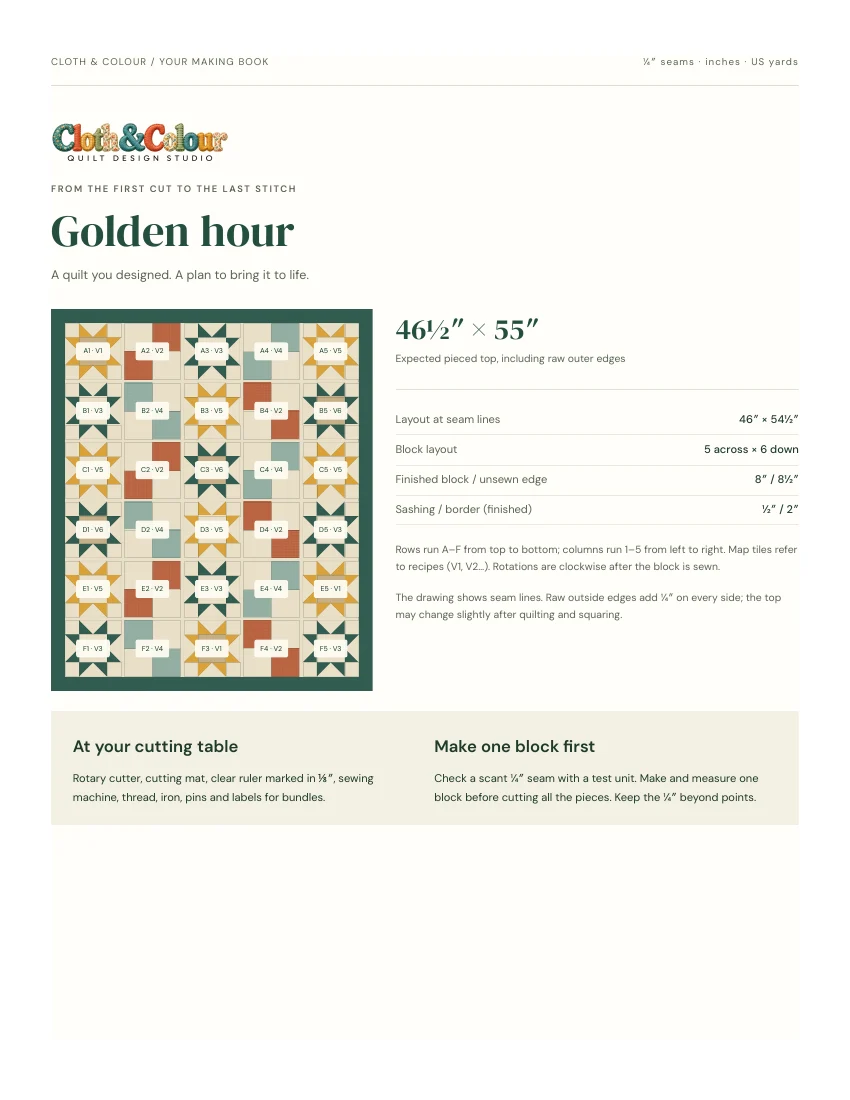
- Export or print the making pages you need, and confirm that your printer can work the way you intend to use it.
Turn off Wi-Fi briefly and reopen your own saved project as a practical check. This checks your files and computer setup; it is more useful than discovering at the retreat that a needed PDF is still in your inbox.
A local library is not a separate backup
The device library is convenient for moving between designs, but a computer can still fail or run out of storage. Save portable projects and use a library backup for the reusable items you want to preserve. Keep an independent copy on another device or storage location.
In the desktop app, Save project updates the quilt’s own file. Save As creates an independent quilt. Use a descriptive name when you branch into a different design, and test that the new file opens before deleting any earlier copy. See the making and backup guide.
What happens to Community designs?
Community is an online service. Download a design while connected if you want to work on a local copy later. Keep its creator credit and sharing permissions with the copy; downloading someone’s quilt does not make the original pattern yours to resell. Your own private projects do not depend on being signed into Community.
Closing the online account does not erase your local quilt files or end a valid purchased offline license. Conversely, a local file backup is not a backup of the whole Community service.
Offline does not mean automatically printable
The designer can prepare output without Wi-Fi. Your particular printer may still depend on a router, a cloud service or a driver. Save a PDF first if you plan to print elsewhere. Measure the printed scale check, disable Fit to page for actual-size templates, and make a sample block before the full project.
Choosing between installed and browser software
A browser tool may be the easier choice if you mainly use a tablet or Chromebook. Cloth & Colour is currently a Mac desktop app; it is not an iPad editor and Windows has not been released. If your priority is a quiet offline workspace with a one-time purchase, check the Mac requirements, watch the actual app film and inspect the sample making book.