
Try the idea.
Then make the quilt.
From individual shapes to multi-block scenes, the same project carries your colours, fabric choices and making plan.
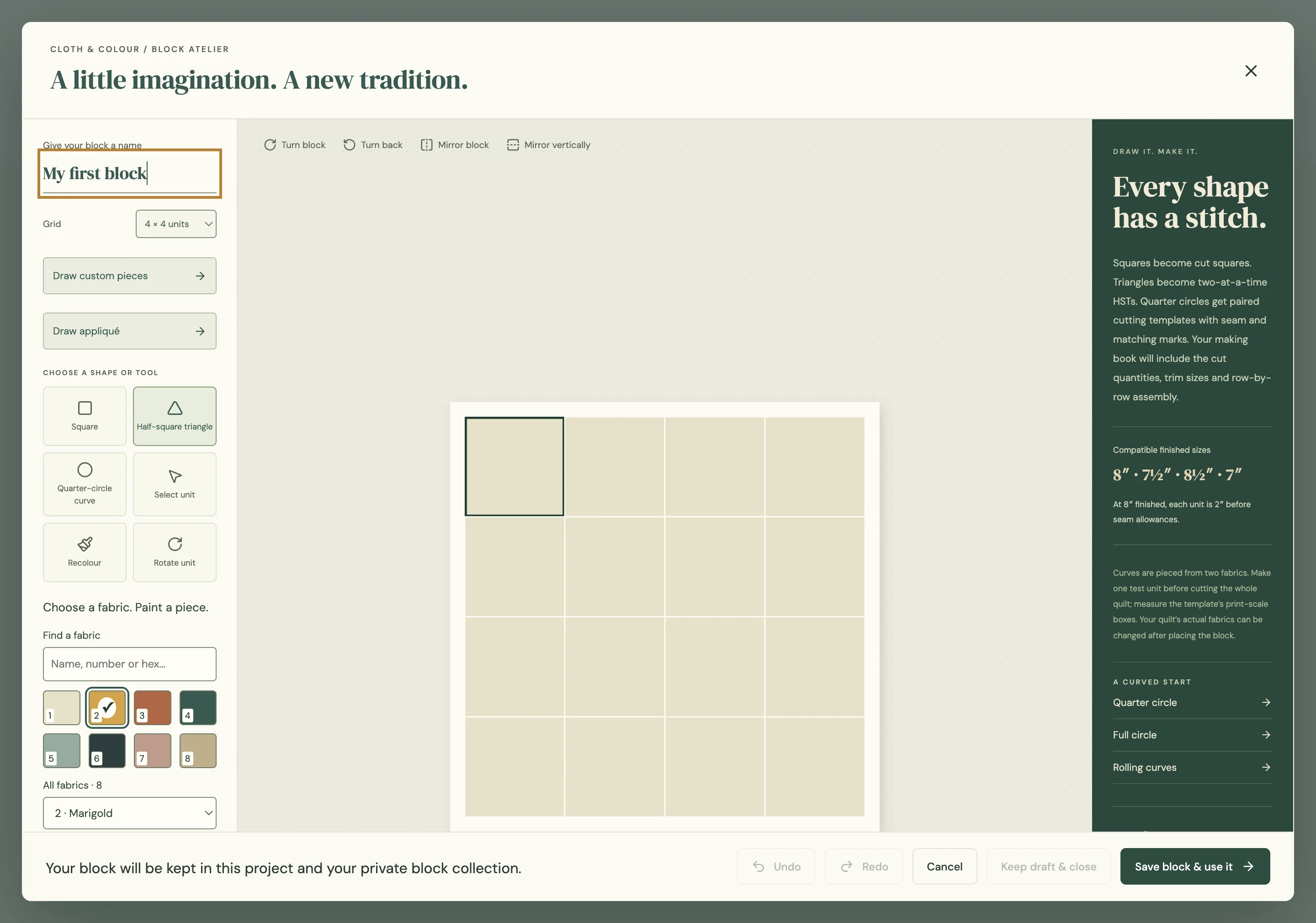
Blocks that start with your idea.
Draw grids from 1 × 1 to 16 × 16, use the supported piecing and raw-edge appliqué tools, then rotate or mirror the result. Keep your own blocks for the next project.
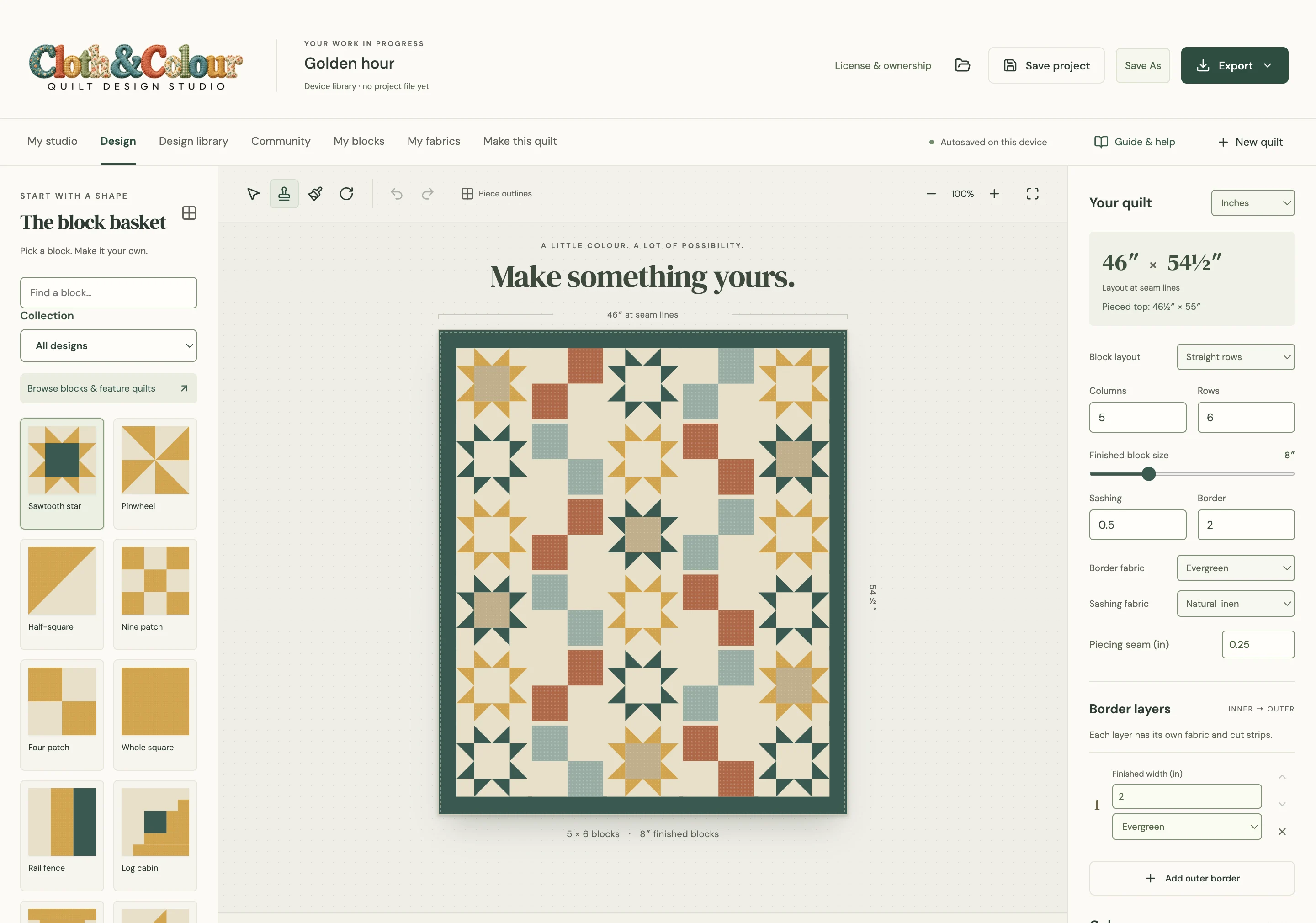
Paint the piece you mean.
Choose an RGB or hex colour, then click an individual piece. Compare saved colourways. A quilt can hold up to 256 fabrics, including up to 40 fabric photos.
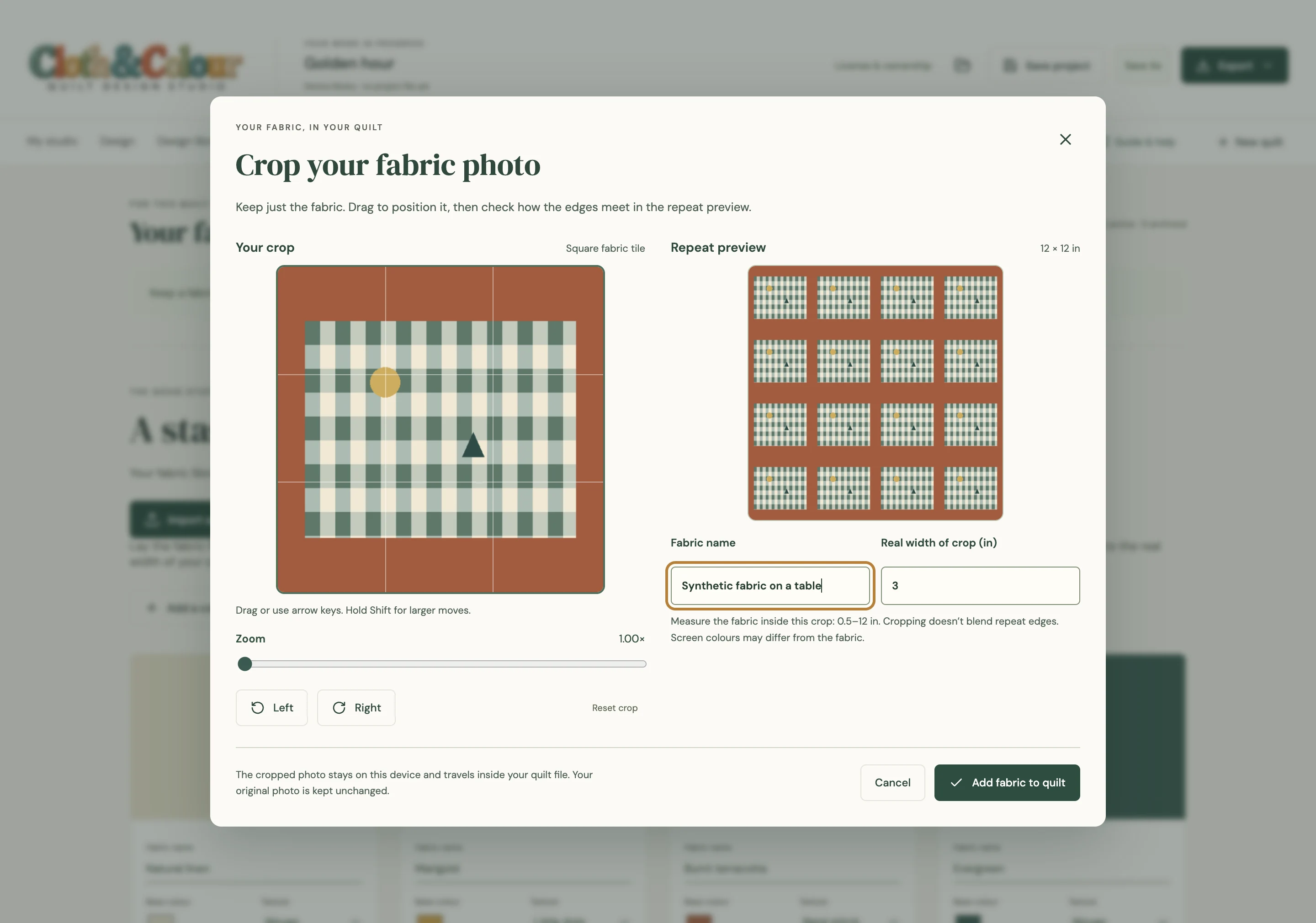
Bring your fabric into the plan.
Import a JPG, PNG or WebP under 5 MB. Fill the photo with flat fabric in even light, then crop away the table, ruler and selvedge in the app. Set the photographed area’s real width to control its scale.
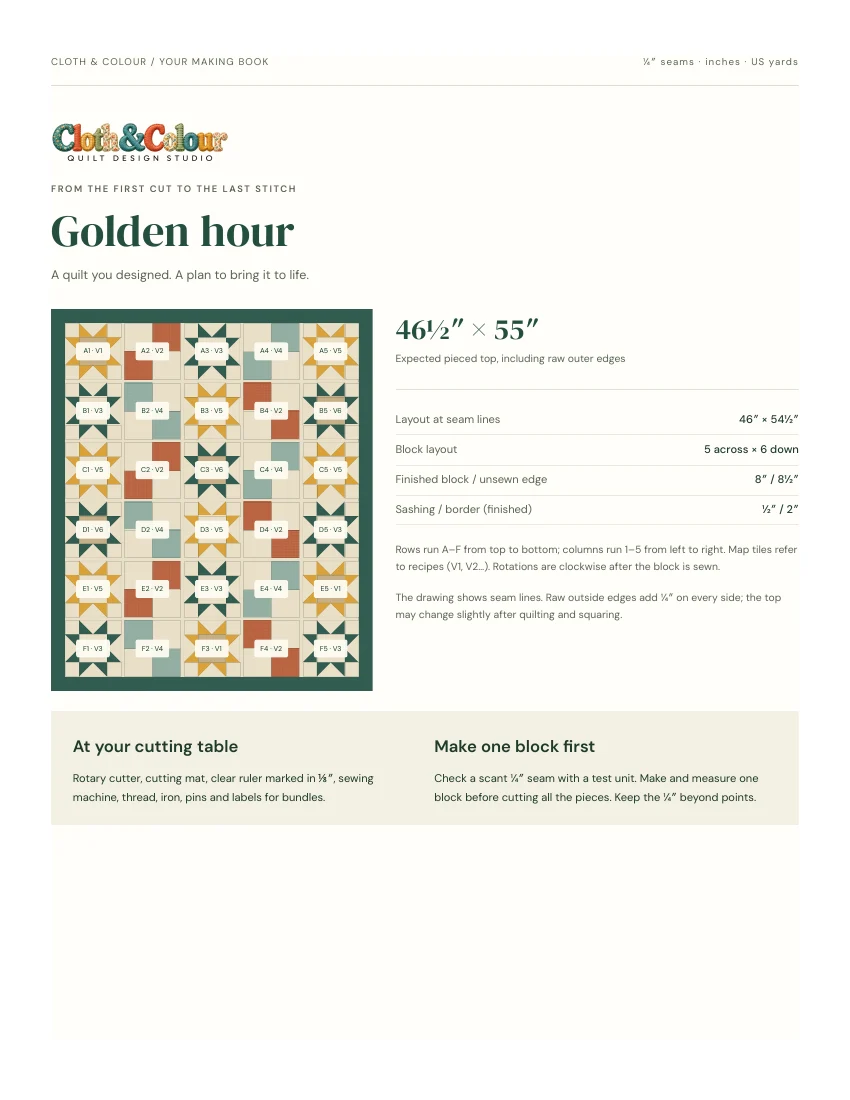
A plan for your sewing table.
Review fabric requirements, cutting lists, placement maps and supported construction recipes. Print Letter or A4, or save a PDF using the system print dialog.
Choose the right construction method.
Construction guidance covers the supported blocks and shapes shown in the app. This is not automatic photo-to-pieced-quilt conversion, foundation paper piecing, unrestricted curved piecing, or automatic inset/Y-seam assembly. Resolve plan warnings and test a block before cutting a full quilt.